Windows 11 Pro
Price today
£29.99
Available at Best License Key
Price check: we checked 4,000+ UK shops and found it only at Best License Key.
Get this deal at Best License Key →We may earn a commission if you buy through shop links on this page, at no extra cost to you. It never changes the prices or their order. How we make money
Waiting for Black Friday?
Let Shopperazzi watch the price for you
My feed is your own page on Shopperazzi: every price drop, offer and code from what you follow, newest first. Follow a product, a brand or a shop. Free, no sign-up.
Compare 1 shop
Price history
Tracked since 27th Nov 2026Price unchanged since 27th Nov 2026
We're building this product's price history. The lowest price across the shops we compare will chart here as prices move.
About this product
Microsoft Windows 11 Pro is the edition for work PCs, developers and anyone who needs BitLocker encryption, Hyper-V or Remote Desktop. This Retail key activates one PC, suits a clean install or a new build, and is paid for once with no subscription. What Pro adds over Windows 11 Home Feature Home Pro BitLocker device encryption and BitLocker To Go No Yes Hyper-V virtual machines No Yes Windows Sandbox No Yes Remote Desktop (connect to this PC) No Yes Domain join, Group Policy, Microsoft Entra ID No Yes Windows Hello, Microsoft Defender, Snap Layouts Yes Yes If none of the Pro-only features matter to you, Windows 11 Home costs less. Already running Home? The Home to Pro upgrade key switches editions without reinstalling, so check its requirements first. Our guide Windows 11 Home vs Pro goes through the differences in more detail. What a Retail licence means An OEM licence stays with the motherboard of the first computer it activates. A Retail licence does not: Microsoft's licence terms allow a Retail copy to be moved to another PC once it has been removed from the old one. Sign in with a Microsoft account after activating and Windows links the digital licence to that account, which helps when you reactivate after replacing hardware. See OEM vs Retail licences for the full comparison. Leaving Windows 10 behind Microsoft ended support for Windows 10 on 14 October 2025, so a Windows 10 PC only receives security updates through the Extended Security Updates programme. Windows 11 Pro puts the machine back on a supported version, and Office LTSC 2024 is supported on Windows 11. Read Windows 10 end of support: your options or Windows 11 vs Windows 10 if you are still deciding. Check your PC first Windows 11 needs TPM 2.0, UEFI with Secure Boot and a processor on Microsoft's supported CPU list. Microsoft's free PC Health Check app tells you in a minute whether your computer qualifies. The full list is in the System Requirements tab above. Installing and activating Windows 11 Pro Download Windows 11 from Microsoft's official download page and create a bootable USB stick. Our USB installation guide walks through it. Enter your key when setup asks for it and Windows 11 Pro is installed automatically. Skipped that step? After setup, open Settings > System > Activation > Change product key and enter it there. After checkout you receive by email the 25-character key, the official download link and step-by-step instructions. Add Office to your new PC Windows does not include the Word or Excel desktop apps. Microsoft Office 2024 Professional Plus adds Word, Excel, PowerPoint, Outlook, OneNote and Access, with Microsoft security updates until 9 October 2029. Don't need Access? Microsoft Office 2024 Standard covers the rest. Prefer a single order? See the Windows 11 Pro + Office 2021 bundle. Windows 11 Pro FAQ How many PCs can I activate? One. Each Windows 11 Pro key activates a single computer at a time. Will it work on a PC without TPM 2.0? Microsoft does not...
The Microsoft Windows 11 Pro is stocked by 1 shop we compare on Shopperazzi. Listed prices start at £29.99.
Product details
- Brand
- Microsoft
- Condition
- new
- Category
- Software
More from Microsoft


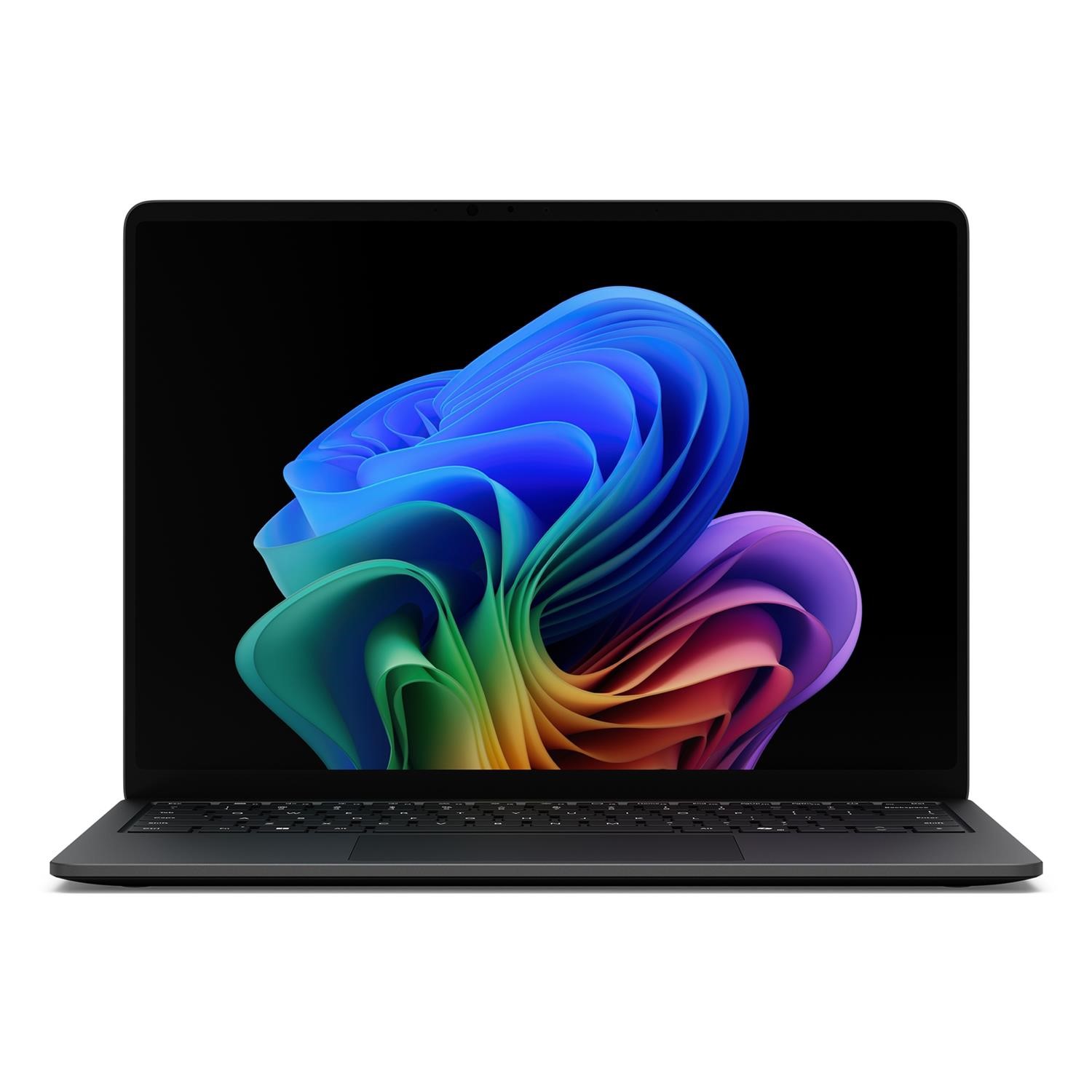
 Scan Computers
Surface 8 Intel Core Ultra 5 RAM 256GB SSD 13.8 Inch Touchscreen Windows 11 Pro Laptop
Microsoft
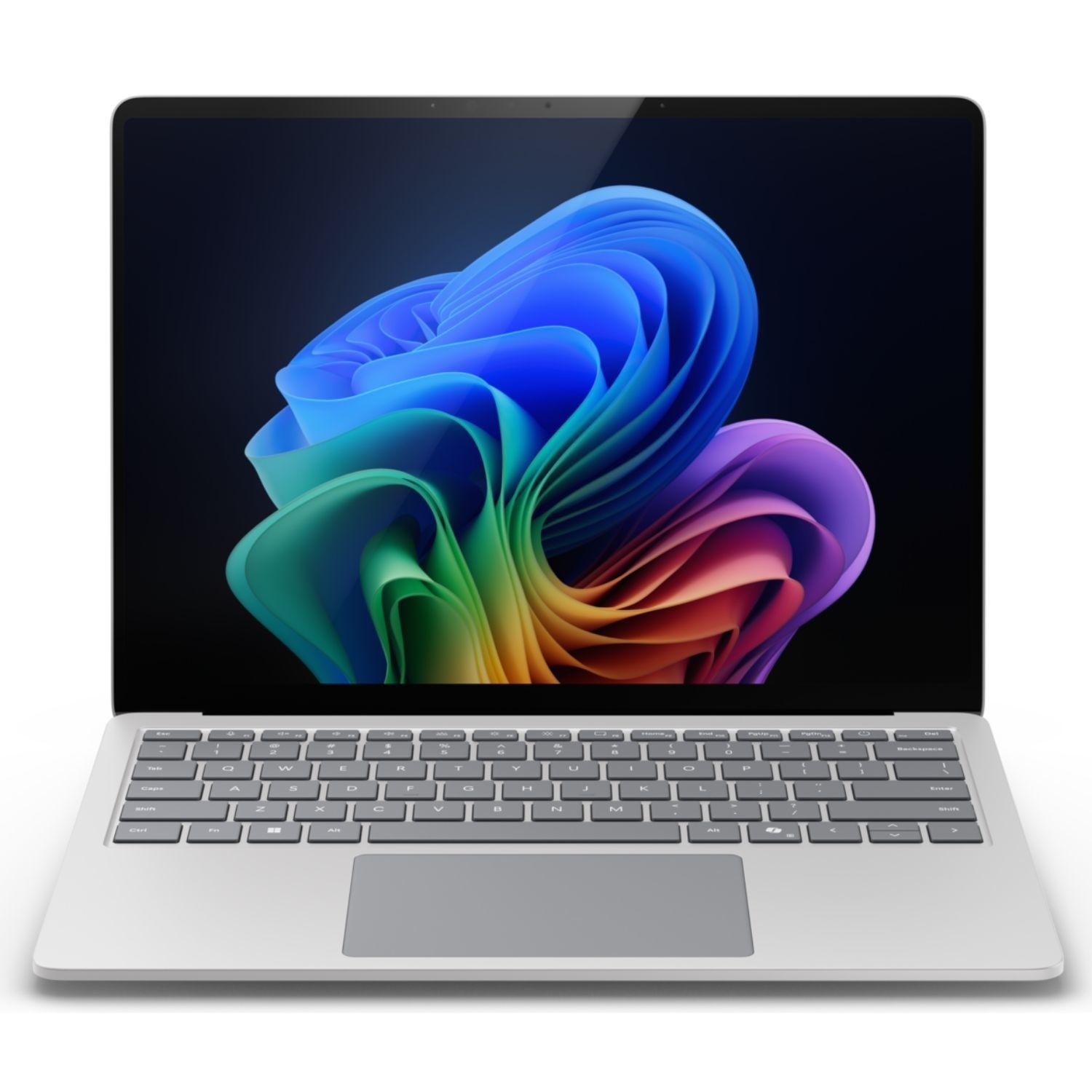 Scan Computers
Surface Laptop 7 Snapdragon X Elite RAM 256GB SSD 15 Inch Windows 11 Pro Laptop
Microsoft

Similar products