Windows 11 Home
Price today
£24.99
Available at Best License Key
Price check: we checked 4,000+ UK shops and found it only at Best License Key.
Get this deal at Best License Key →We may earn a commission if you buy through shop links on this page, at no extra cost to you. It never changes the prices or their order. How we make money
Waiting for Black Friday?
Let Shopperazzi watch the price for you
My feed is your own page on Shopperazzi: every price drop, offer and code from what you follow, newest first. Follow a product, a brand or a shop. Free, no sign-up.
Compare 1 shop
Price history
Tracked since 27th Nov 2026Price unchanged since 27th Nov 2026
We're building this product's price history. The lowest price across the shops we compare will chart here as prices move.
About this product
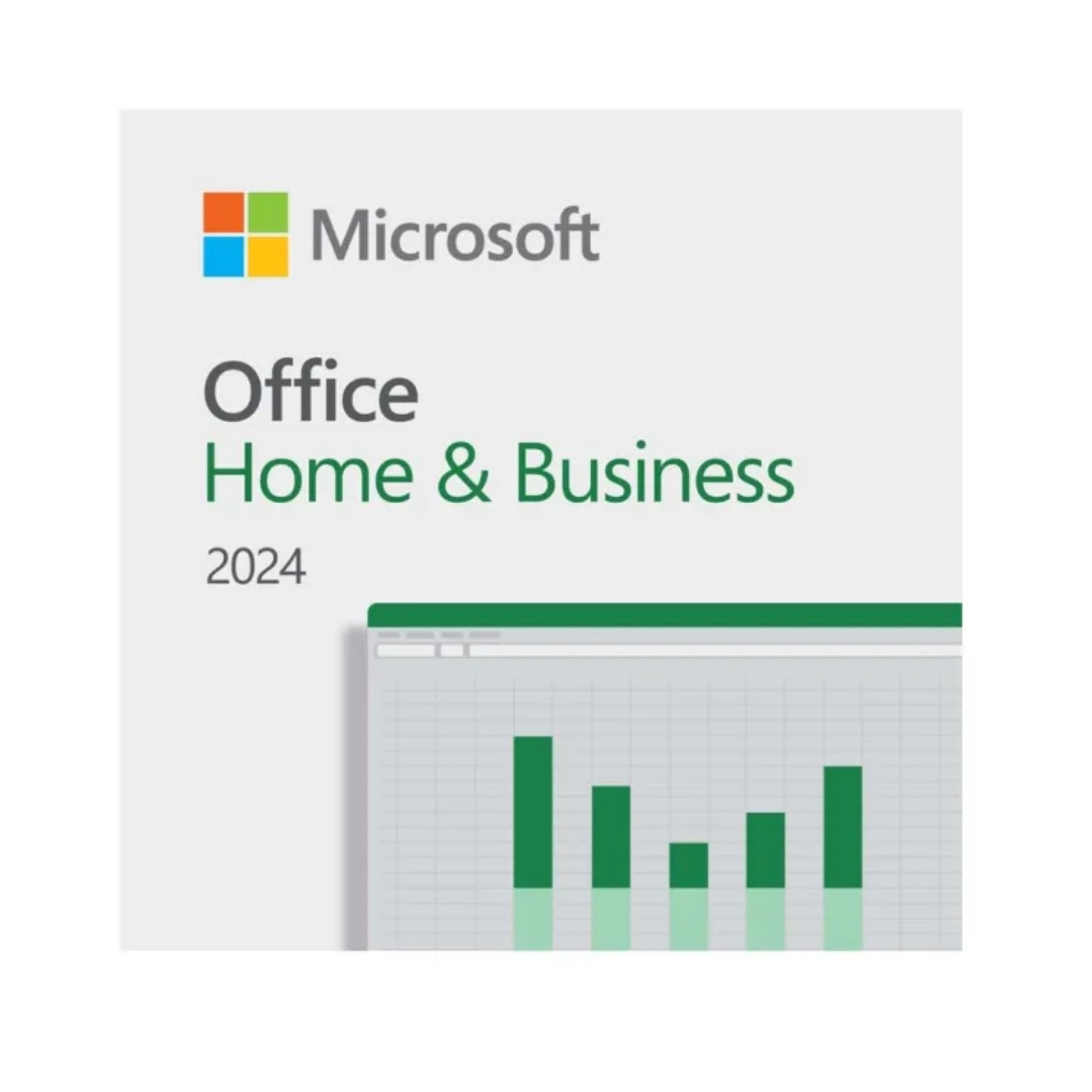
Microsoft Windows 11 Home is made for family computers, gaming rigs and student laptops. This Retail key activates one PC, works for a fresh install or a self-built machine, and costs a single payment rather than a monthly fee. Who Windows 11 Home is for Gaming: DirectStorage for faster game loading, Auto HDR and the Xbox app are all part of Home. Everyday security: Microsoft Defender antivirus, Windows Hello sign-in and device encryption on supported hardware. Multitasking: Snap Layouts, virtual desktops and widgets work the same as on Pro. Home leaves out business tools such as BitLocker management, Hyper-V, Windows Sandbox, domain join and hosting Remote Desktop sessions. If you need those, choose Windows 11 Pro instead, or read Windows 11 Home vs Pro to decide. Room to move up to Pro later You are not locked into Home. Should you need Pro features later, the Windows 11 Home to Pro upgrade changes the edition in Settings while keeping your files and apps in place. Retail rather than OEM OEM copies are tied to the first motherboard they activate on. Retail copies can be transferred to a replacement computer under Microsoft's licence terms, provided they are removed from the previous one. Linking Windows to your Microsoft account makes that reactivation simpler. More on this in OEM vs Retail licences. Before you install Setting up Windows 11 Home needs an internet connection and a Microsoft account. The PC also has to meet Microsoft's hardware rules, including TPM 2.0 and a supported processor; Microsoft's PC Health Check app confirms this, and the System Requirements tab above lists everything. From key to activated PC Create a USB installer from Microsoft's Windows 11 download page (see how to install Windows 11 from USB). Type the key when setup requests it; Home is selected for you. To add the key afterwards, use Settings > System > Activation > Change product key. Your key, the download link and the installation steps are emailed to you once payment is complete. Pair it with Office For schoolwork, household budgets and email, Microsoft Office 2024 Standard gives you Word, Excel, PowerPoint, Outlook and OneNote, supported by Microsoft until 9 October 2029. All versions are listed under Office for PC. Windows 11 Home FAQ Can I use one key on two computers? No, the licence covers one PC. Can I upgrade from Windows 10 Home with this key? Windows 10 support ended on 14 October 2025. Back up your files, then install Windows 11 Home and activate it with this key. For Windows 10 options, see Windows 10 end of support. Do I pay again every year? No. It is a one-time purchase. See every edition on the Windows 11 page.
The Microsoft Windows 11 Home is stocked by 1 shop we compare on Shopperazzi. Listed prices start at £24.99.
Product details
- Brand
- Microsoft
- Condition
- new
- Category
- Software
More from Microsoft


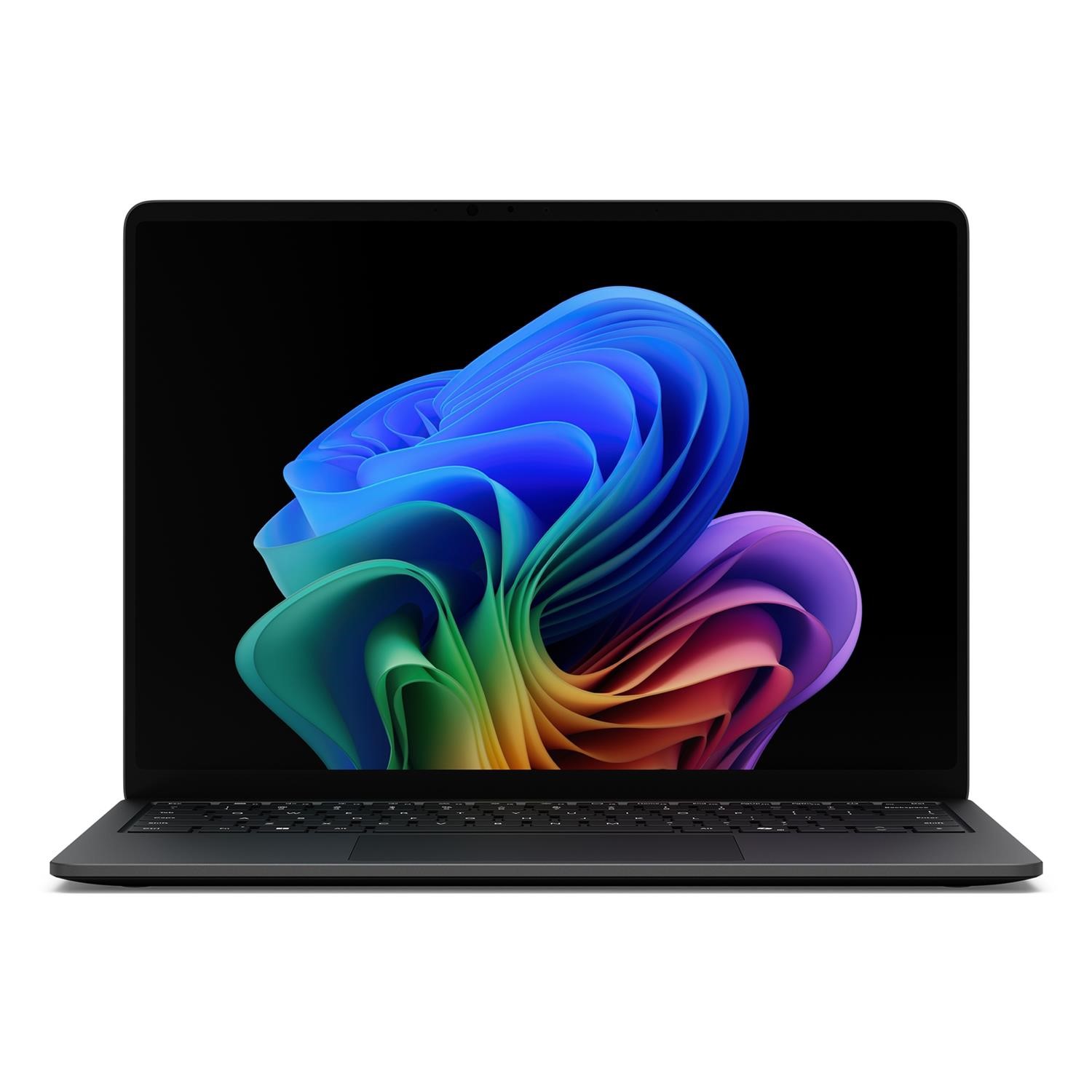
 Scan Computers
Surface 8 Intel Core Ultra 5 RAM 256GB SSD 13.8 Inch Touchscreen Windows 11 Pro Laptop
Microsoft
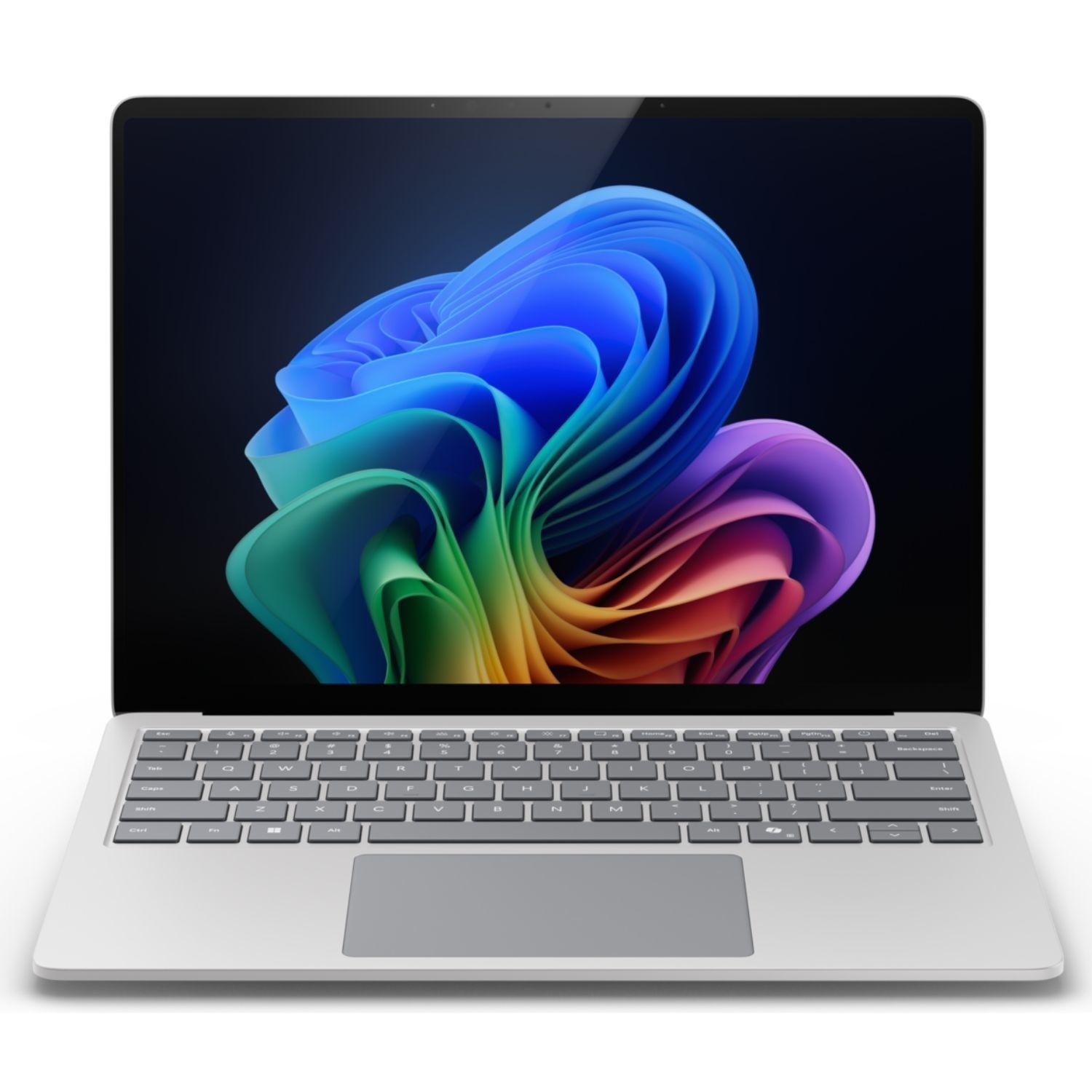 Scan Computers
Surface Laptop 7 Snapdragon X Elite RAM 256GB SSD 15 Inch Windows 11 Pro Laptop
Microsoft

Similar products